

How to setup UCDN
- Help Center
- March 1, 2020
Step 1
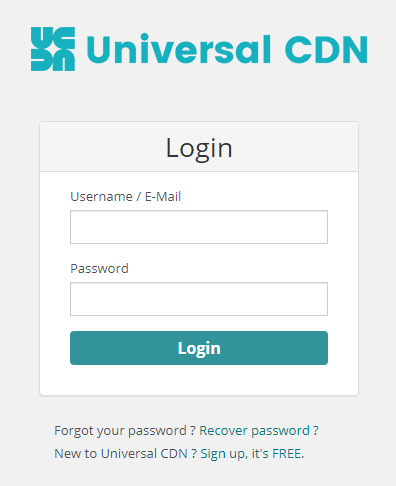
You should enter the admin panel of UCDN by using URL: https://my.ucdn.com/
Step 2

Step 3
Choose the option according to your requirements:
- Location of your files is on your website (CDN caches and delivers your content) or you will upload your files via FTP to CDN storage (it is billed separately)
- Your files are big or small (for big files CDN storage is required)
- Do you want to use a CNAME?
Add a zone.

Step 4
You will receive a summary for the Zone you created.

Step 5
CDN setup is finished and now you can use CDN service URLs. You should take the URL from the Zone you created so you can use the URLs like 109-1.s.cdn13.com/background.jpg
If you want to use CNAME you will have to go to your domain registration admin panel and make a record for CNAME. You should point the chosen CNAME (for example cdn.inxy.com) to target CNAME (109-1.s.cdn13.com). After DNS propagation you will be able to use URLs like cdn.inxy.com/background.jpg
Keep in mind that if you use HTTPS connection you will have to upload a certificate issued for the CNAME you chose. You can also enable Letsencrypt in your Zone settings.
Step 6
Update the URLs of your website using new CDN URLs and it’s done.
How to see consumed traffic
- Log in to your account.
- Go to Analytics to check your bandwidth or traffic consumption.



1 Comment
Anonymous
November 5, 2020It’s nearly impossible to find knowledgeable people about
this subject, but you seem like you know what you’re talking about!
Thanks