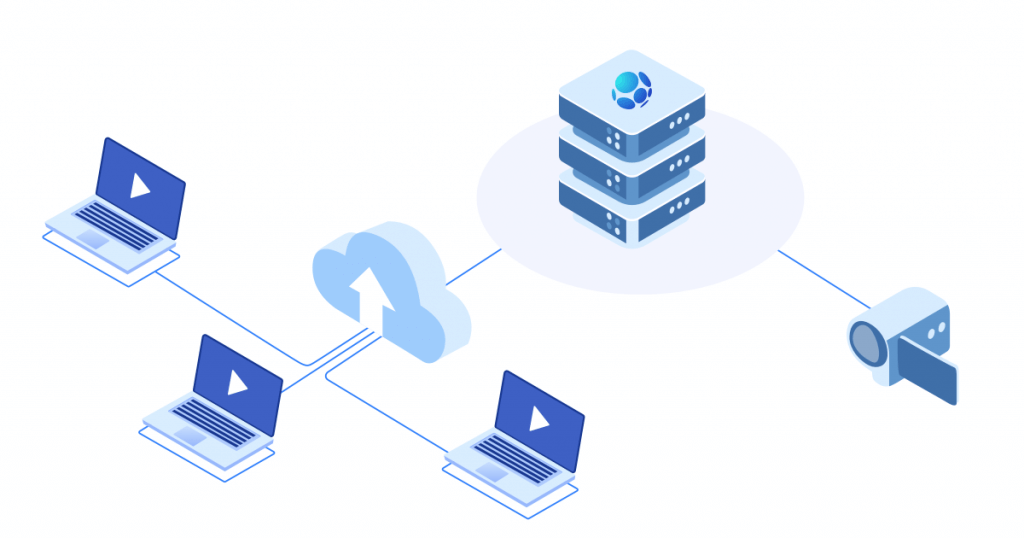
To start working with CDNNOW you have to order this service from us and send the following information to support@inxy.com so we will be able to setup your account:
The origin (the website from where the content will be cached from)
The CNAME you want to use (if your origin is working over HTTPS you will also have to send us the certificate for the CNAME you want to use. As an alternative you may use CDN service urls).
Step 1
Our support will send you the CNAME and the CNAME target url. You will have to go to your domain registration admin panel and make a record for CNAME. You should point the chosen CNAME (for example cdn.inxy.com) to target CNAME. After DNS propagation you will be able to use URLs like cdn.inxy.com/background.jpg
Step 2
Update the URLs of your website using new CDN URLs and it’s done.